Capture the hype.Never lose the moment.
Flint timestamps your stream's best moments live — tap a marker or let chat-spike detection catch it — then review, retag, and clean them up after the stream.

Everything you need, one tap away
Flint turns your phone into a live log for your stream's best moments.
One-Tap Markers
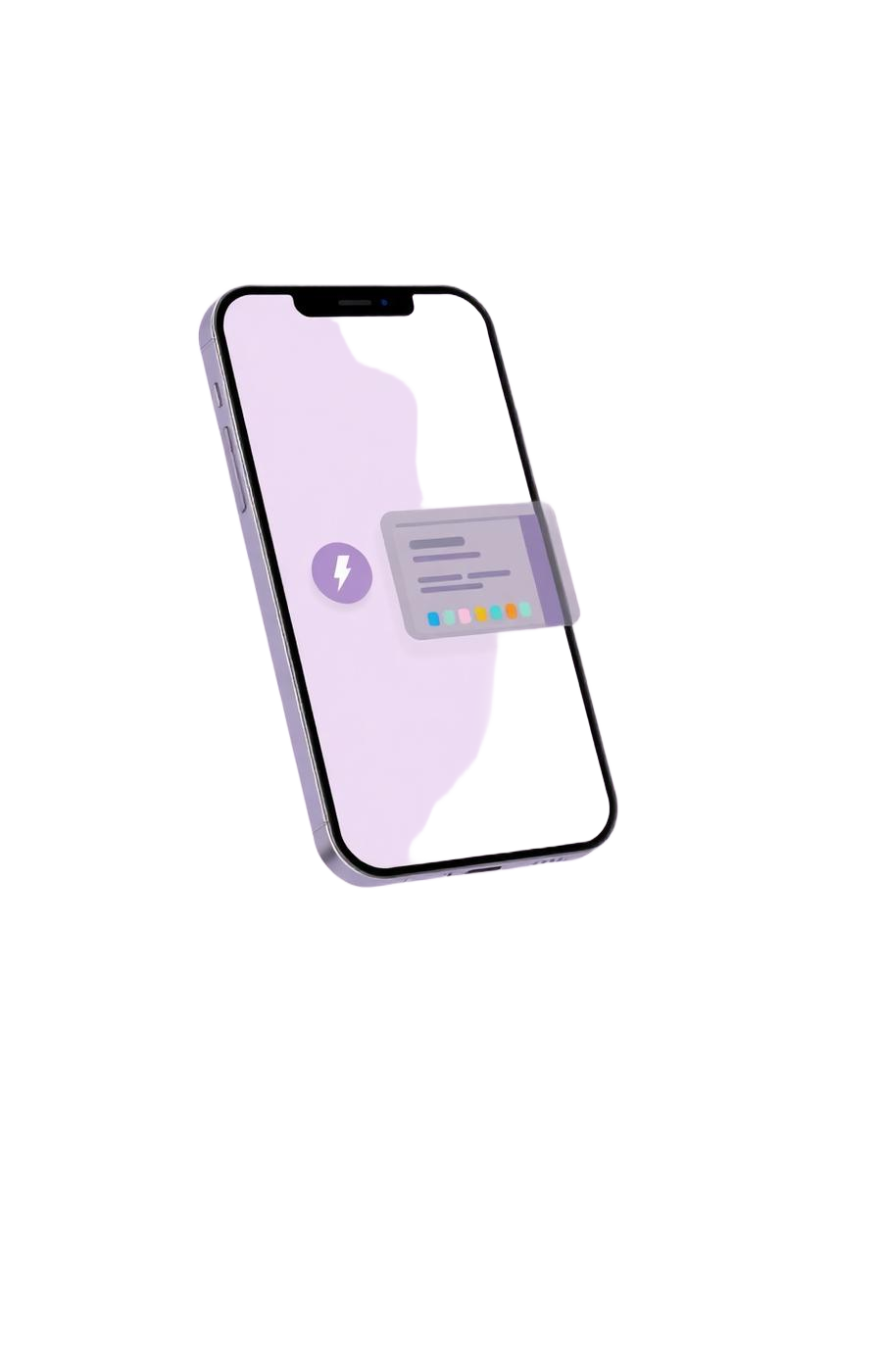
Tap the HYPE button or a color-coded quick-tag chip to log a moment instantly, mid-game, one-handed.
Twitch & Kick Chat Hype Detection
Anonymous, read-only chat ingestion flags chat spikes as candidate markers automatically — no login required to detect hype.
Review Log
Retag, edit, or delete markers after the stream, with disconnect gaps shown right in the timeline so downtime never looks like a highlight.
Custom Tags & Colors
Color-code and pin up to 6 quick-tag chips, emoji names included, tuned to how you stream.
How it works
From live moment to reviewed marker in three steps.
Start a stream
Connect to Twitch or Kick chat (optional Twitch login auto-fills your topic and start time), or just go Manual — no desktop pairing required.
Log the moment
Tap a quick-marker chip or the HYPE button. If you're connected, chat-spike detection catches moments for you too.
Review afterward
Open Review Log to retag, add notes, or delete markers — a clean list of timestamps ready to guide your own editing.